Understanding Your New Folders
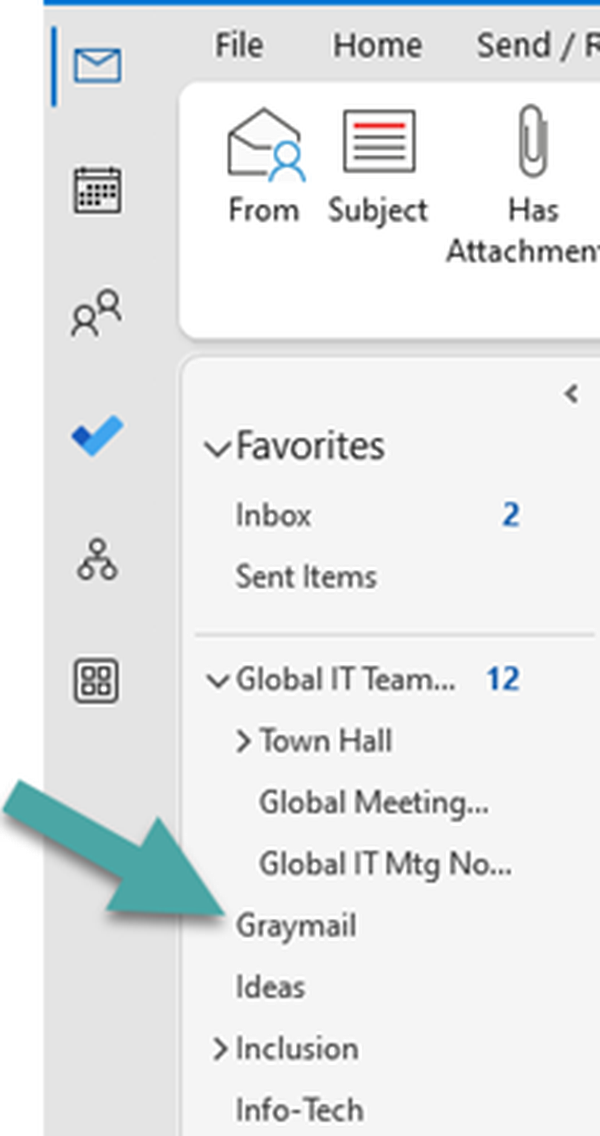
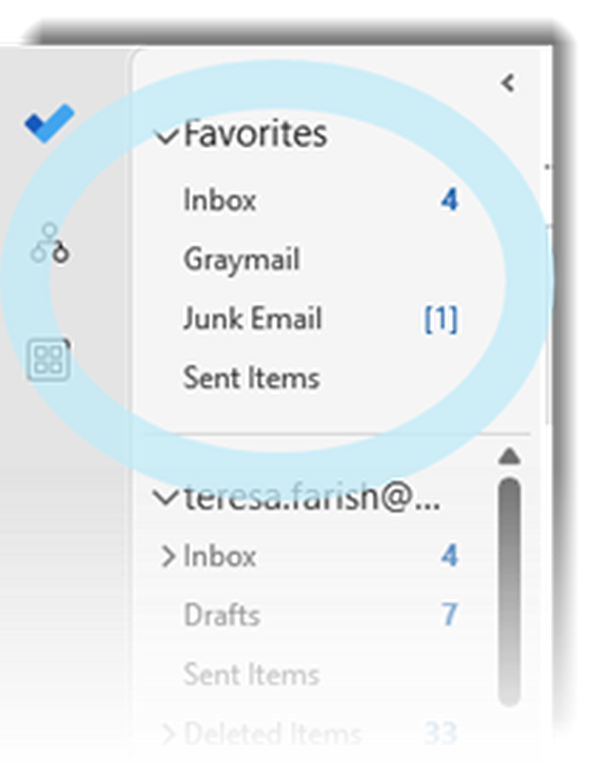
Graymail: Abnormal Security moves bulk-type emails that you’ve subscribed to, or otherwise interacted with, into this folder. This includes newsletters, promotions, marketing/sales emails and social media notifications.
Junk Email: Microsoft Defender moves messages that are obviously spam or unwanted bulk mail into this folder.
- In order to access links in emails in the Junk Email folder, you will need to move these emails to your Inbox.
- Note that emails will be deleted from the Junk Email folder after 30 days.