How to Create, Secure, and Share KeePass Password Vaults with Your Team
KeePass is the password application that Barry-Wehmiller has selected to ensure team member credentials are stored and managed safely and in alignment with industry best practices and BW’s IT Acceptable Use Policy.
KeePass can also be used as a shared credential vault for groups or teams that need to maintain secure access to critical credentials. This document will describe how to create, deploy and access shared KeePass credential vaults.
Step One – Create a new KeePass credential vault file
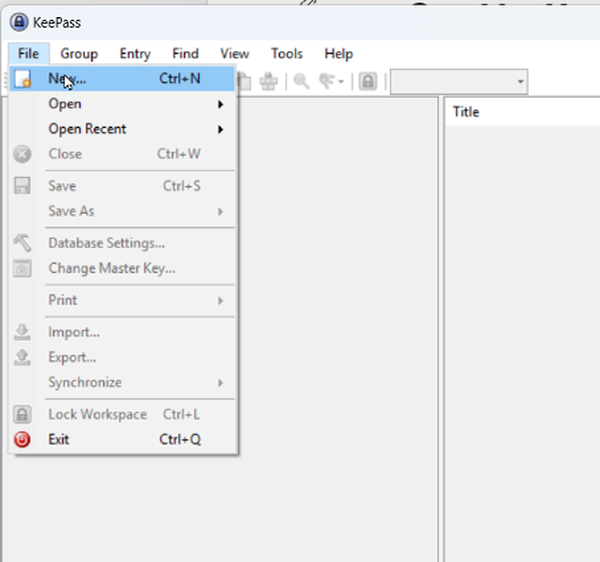
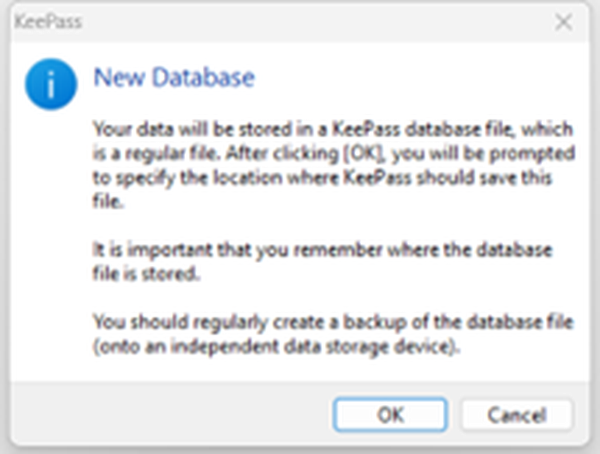
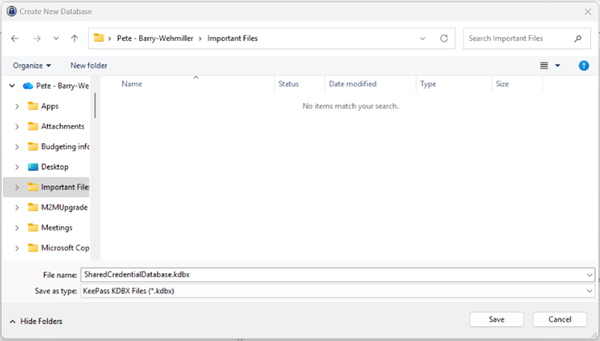
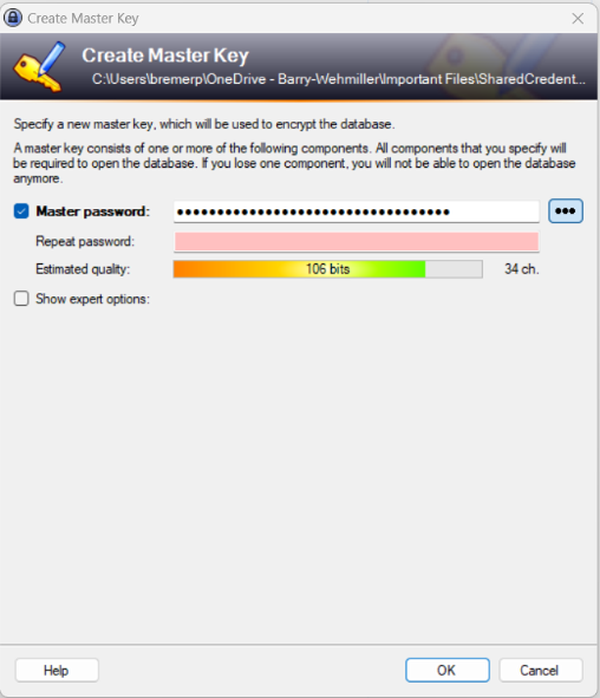
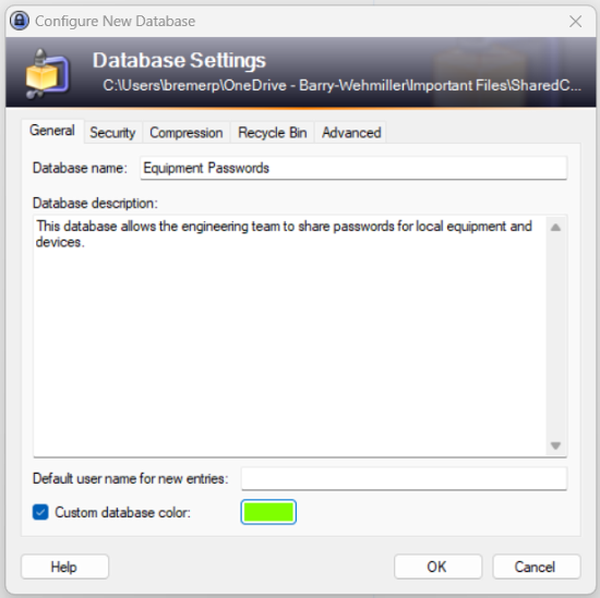
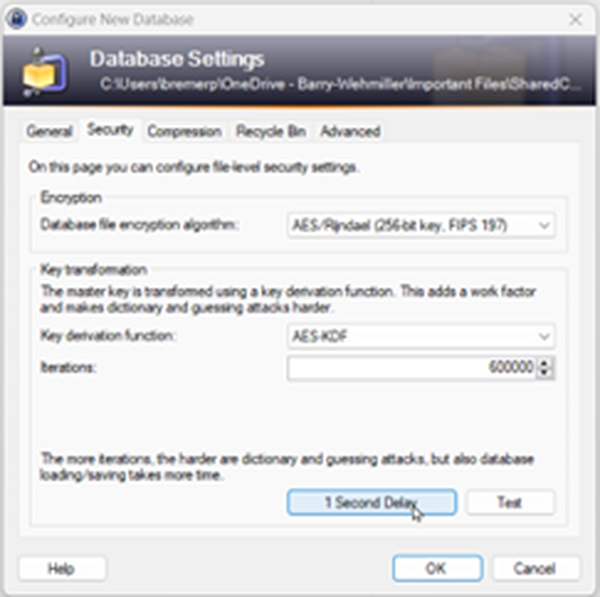
In KeePass, the ability to create a new credential database is built into the standard KeePass client. Within the client software, open the File menu and select “New.” You will see a prompt advising you of best practices for newly created password database files. Click “OK” on the dialogue.